[OEM PACKAGE] Replacement SIM Card Tray
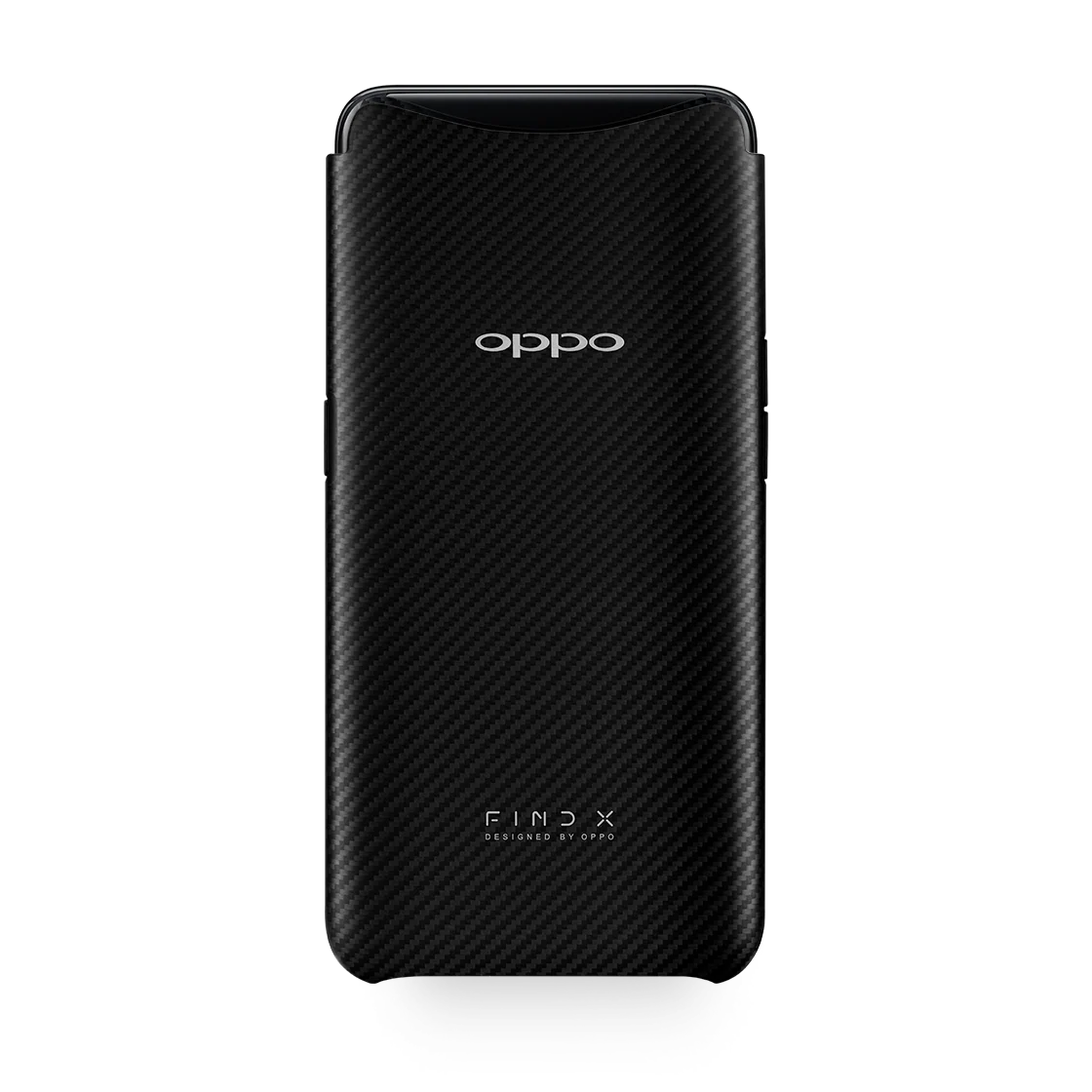
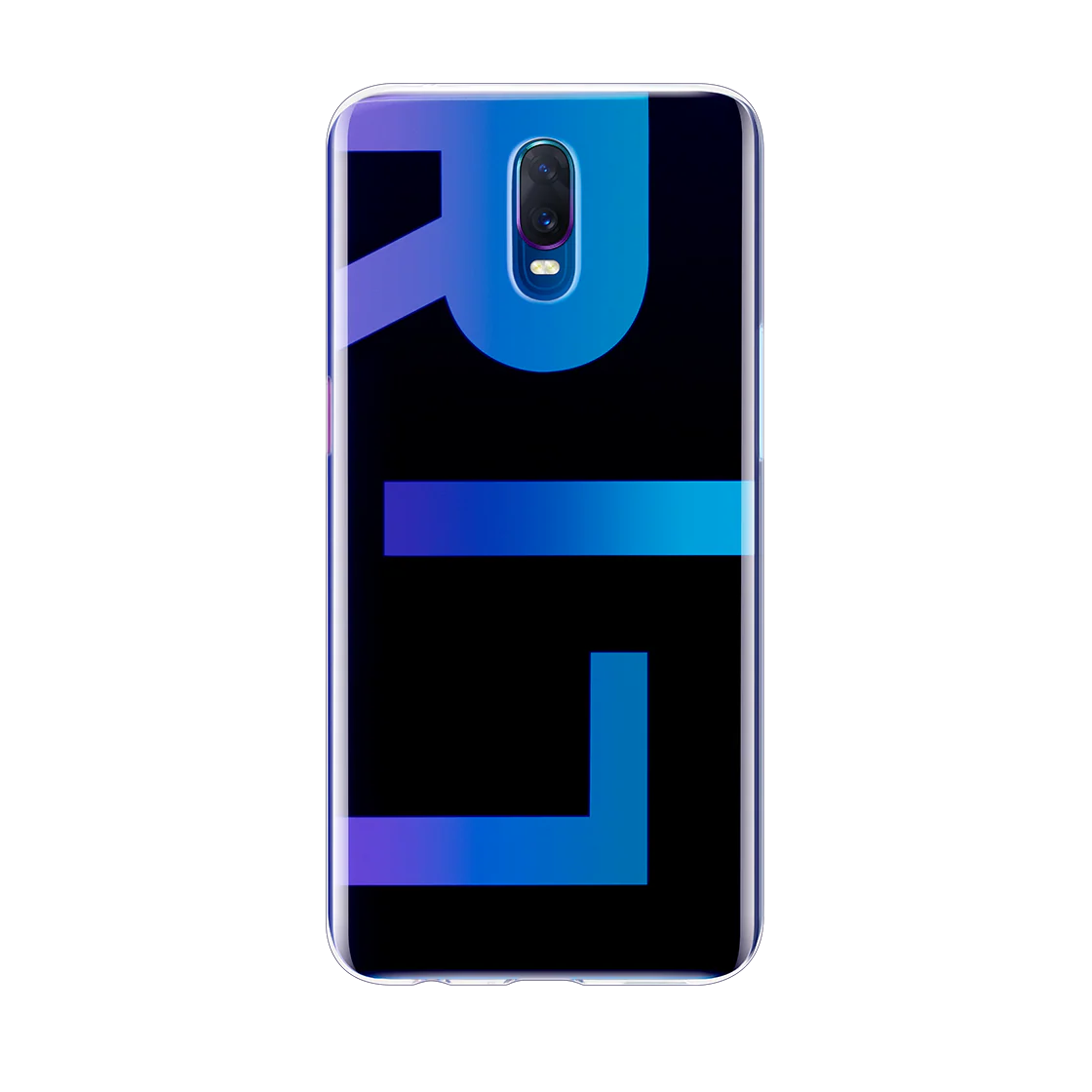
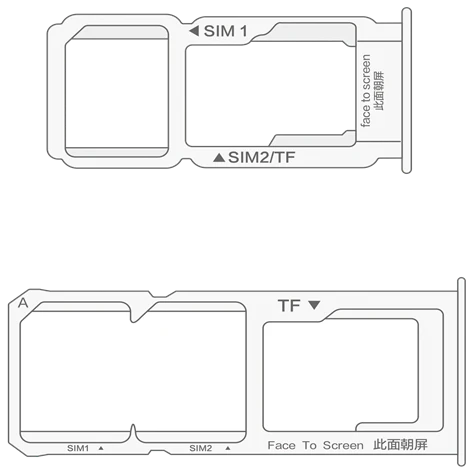
Replacement Sim Tray for OPPO Smartphones.
No original packaging. Out of the box unit.
When placing your order, please include the IMEI number of your OPPO Smartphone in the field provided. This IMEI number ensures you will receive the appropriate SIM card tray for your OPPO Handset.
How can I find the IMEI number for my device?
1) Listed on the retail packaging of your OPPO Smartphone.
2) On your OPPO Smartphone and navigate to 'Settings', then 'About Phone', tap 'Status' and then 'IMEI'. (Settings > About Phone > Status > IMEI).
3) Open the Dialler on your OPPO Smartphone and key in '*#06#'.
Please Note: If you have a dual SIM device, please submit the first IMEI number (IMEI #1).
If you are having any difficulties retrieving this number please do not hesitate to contact customer support.
Product Information
Product Information
Shipping & Returns
Shipping & Returns
Description
Replacement Sim Tray for OPPO Smartphones.
No original packaging. Out of the box unit.
When placing your order, please include the IMEI number of your OPPO Smartphone in the field provided. This IMEI number ensures you will receive the appropriate SIM card tray for your OPPO Handset.
How can I find the IMEI number for my device?
1) Listed on the retail packaging of your OPPO Smartphone.
2) On your OPPO Smartphone and navigate to 'Settings', then 'About Phone', tap 'Status' and then 'IMEI'. (Settings > About Phone > Status > IMEI).
3) Open the Dialler on your OPPO Smartphone and key in '*#06#'.